
Website Accessibility Basics: Making Your Site Usable for Everyone
What website accessibility means, who it helps, the most common barriers on business websites, and fixes you can make to reach more customers and reduce risk.
Free consultation for new projects — we reply within one working day. Book a free call
UI/UX Design
Good design isn’t decoration. It’s the reason a customer finishes checkout, or a staff member finds the right button without calling for help. We design screens around the tasks people are actually trying to complete.
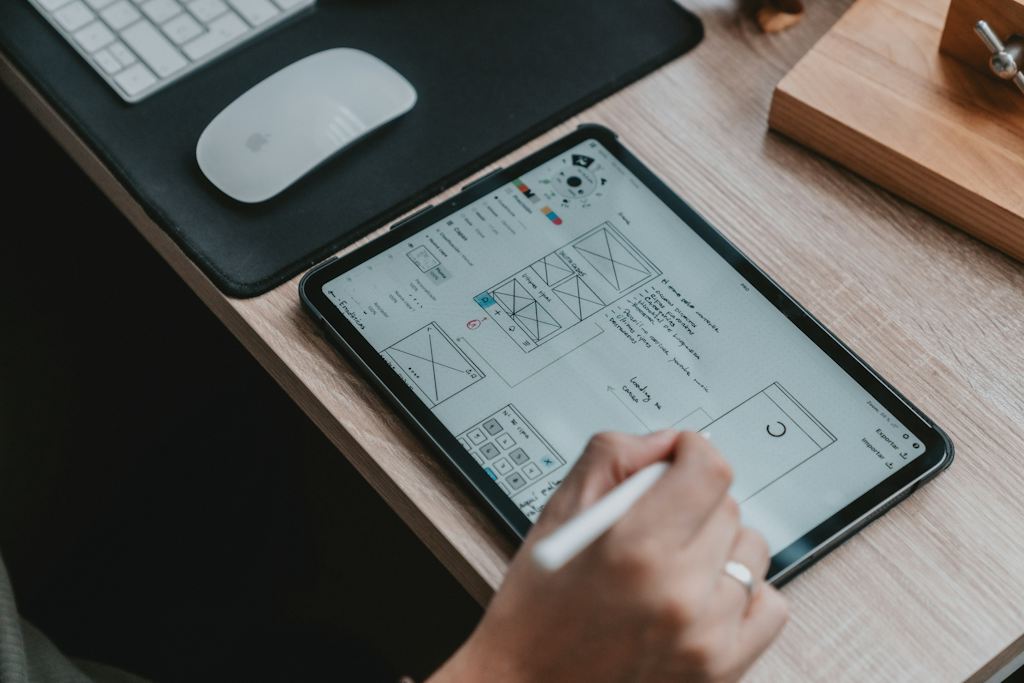
We watch how people use your product, simplify the key tasks and hand over designs with every state documented — so what gets built matches what was designed.
What it looks like
Research-backed interface design for websites, apps and dashboards — wireframes, clickable prototypes and design systems your developers can actually build.
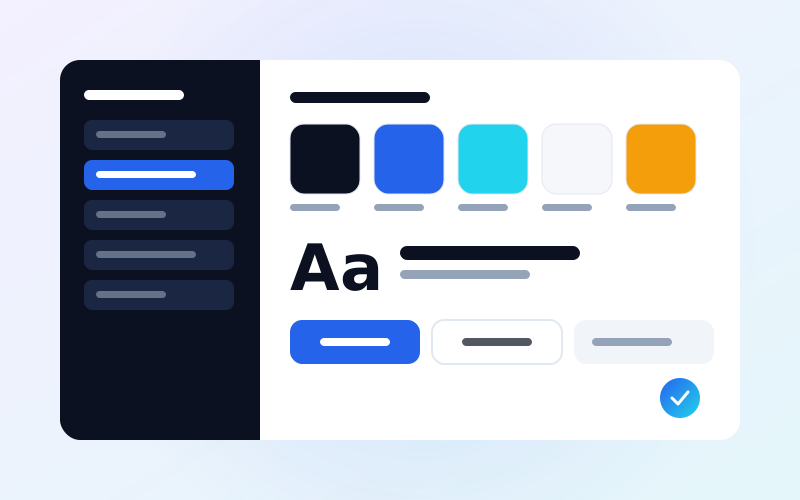 Concept design
Process
Each step ends with something you can review, so you’re never waiting in the dark.
Stakeholder interviews, analytics review and a short usability test of what exists today.
User flows for the key tasks, and agreement on what to simplify or remove.
Low-fidelity layouts to settle structure before visual design.
High-fidelity screens and a clickable prototype for testing.
Design system, specs and dev support during build.
Deliverables
We don’t do design-only logo contests or unlimited revisions. Each round of changes is planned, so feedback stays focused and the project keeps moving.
Case studies
Client names are private. Images are concept illustrations.
FAQ
Yes. Many projects start with one flow — sign-up, checkout or a key dashboard — where better design has the clearest payoff.
Yes. Our designers and developers work together, which avoids the usual gap between the Figma file and the finished product. We can also hand over to your own developers.
We run short sessions with 4–6 real users per round using the clickable prototype. It catches most major problems before any code is written.
Further reading
What website accessibility means, who it helps, the most common barriers on business websites, and fixes you can make to reach more customers and reduce risk.
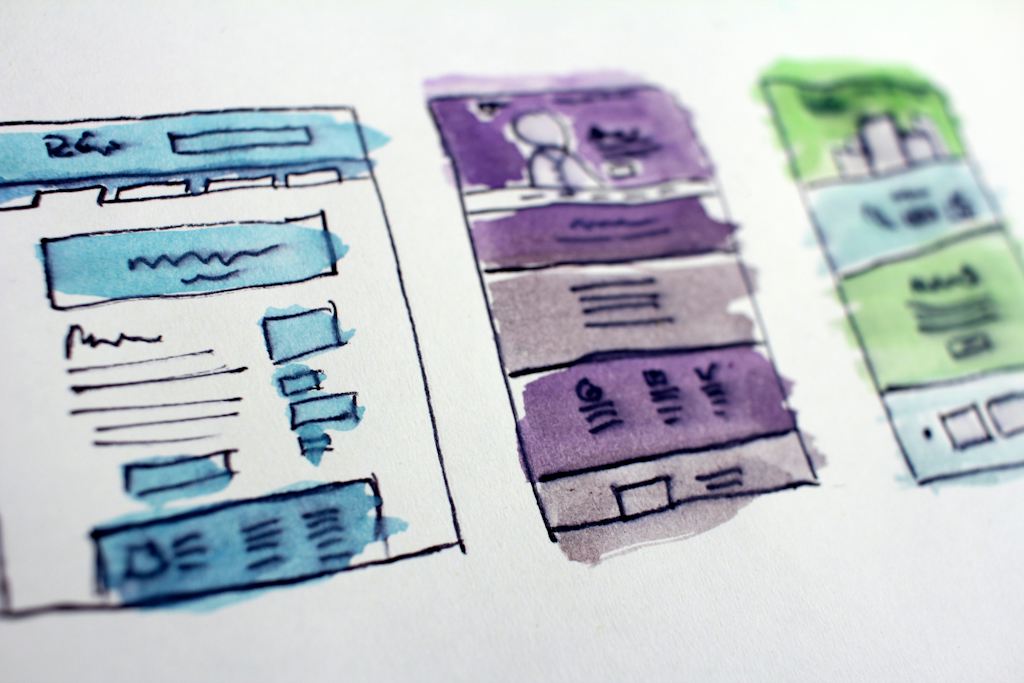
What a clickable prototype is, how it saves money on websites, apps and software, how to test it with users in days, and what to expect from the process.

Why shoppers abandon carts at checkout, and the design fixes that help online stores most: guest checkout, UPI, COD, address forms, delivery dates and trust.
Related services
Technical SEO, content and local search that help the right customers find you on Google — with monthly reports in plain English, not jargon.
A content calendar, on-brand creatives and paid campaigns on Instagram, Facebook and LinkedIn — planned around what your customers actually respond to.
Google Ads and Meta campaigns with proper conversion tracking, tight keyword control and landing pages built to convert — so every rupee is accounted for.
Blog articles, service pages, case studies and email newsletters written by people who understand your industry — content that ranks and helps buyers decide.
Share a few details and we’ll come back within one working day with practical next steps and a written quote.